Buying Guide6 min read
Shopping for Door Manufacturing Software? Ask These Six Questions Before You Make a Purchase
Most buying guides in this space are written backwards, starting from a product. Start from these six questions instead, and choosing a platform becomes a much simpler decision.
Slab Team · 6 August 2026
Most software buying guides in this space are written backwards. They lead with a product, then twist in a list of “things to look for” around whatever that product does well. You can usually tell, because the criteria read suspiciously like a spec sheet.
Before comparing vendors, start with the questions that actually matter. Get through these six right, and choosing the right platform, including the one we’ll get to later, becomes a much simpler decision.
1. Does it actually understand custom work, or is it inventory software wearing a manufacturing costume?
This is the single biggest filter, and it eliminates more “manufacturing software” than people expect. A huge share of the platforms marketed to manufacturers were built for standardized, repeat-run production of consumer goods, not one-off custom doors with unique dimensions, materials, and finishes on every order. Firstly, ask a vendor directly: “Can your system generate an accurate quote for a custom item it’s never seen before, using historical pricing?” If the answer looks like this: “We’d build that out with our professional service team,” that’s definitely not a yes.
2. Does one system cover the whole job, or does it stop at the parts that are easy to build?
Plenty of tools today handle a single stage well, such as a CRM for customers, a scheduler for production, or an accounting package for invoicing, and leave you stitching the rest together yourself. The real test here is whether a change made at the order stage is automatically visible three stages later at invoicing, or whether someone has to notice and manually update it. If a vendor’s demo only shows you one screen at a time, ask to see the same job moving through every other workflow stage without any manual effort.
3. What does it actually cost — including the parts they don't put on the pricing page?
This is where custom manufacturing software can get expensive fast. Some established platforms charge $30,000–$40,000 in implementation fees before the first order, followed by $4,000–$6,000 per month. The software may be sophisticated and indeed useful, but that pricing is often designed for enterprise manufacturers, not a 20-person custom door shop still using spreadsheets. Before getting sold on a demo, ask for the full, all-in cost.
4. Can you actually try it before you're locked into a sales process?
A surprising number of vendors in this niche still operate the old-fashioned way of no public pricing disclosure, no self-serve demo, and a “schedule a call with our team” wall between you and the actual product. This, however, isn’t an automatic red flag—some of those processes are better suited to enterprise deployment. Still, for a mid-sized manufacturer, it usually means a longer, more expensive sales cycle before you decide if it’s a right fit. The bottom line is that an interactive demo you can explore on your own terms, without a salesperson narrating it, tells you more in ten minutes than a scheduled call does in an hour.
5. What happens when your process doesn't match the software's default assumptions?
Every manufacturer has unique requirements, but the real question doesn’t center on whether a platform is “customizable.” It's how much you can actually configure yourself. Can your team adjust fields and workflows, or does every change require a development request and weeks of waiting? Ask the vendor exactly what you can configure without an engineering ticket.
6. Who actually built this, and do they understand the industry or just the software category?
This is an important question to consider, and it matters. A platform built by people who spent time in the general “manufacturing software” category and pivoted towards doors will most likely handle the obvious stuff like customers, orders, and invoices. But a platform built by people who’ve actually walked a door manufacturing facility tends to get the specific, unglamorous details right down to how measurements actually get taken, why quoting custom items is harder than quoting a catalog SKU, where paperwork actually piles up. Ask a vendor their thought process for this product. The answer is usually telling.
How Slab Caters to These Six Questions
Take a moment to run those questions against Slab specifically, and the answers are worth stating plainly rather than fluff. It’s purpose-built software for custom door manufacturers that connects customer, quote, order, production, inventory, and invoicing into one system. When something changes, the update carries through the workflow without requiring someone to re-enter the information. Pricing starts at $100/month, incredibly cheaper than alternatives of $30k-$40k in set-up fees and $4k–$6k monthly costs, alone. It’s a fundamentally different pricing model tailored to manufacturing businesses that don’t require an enterprise software budget.
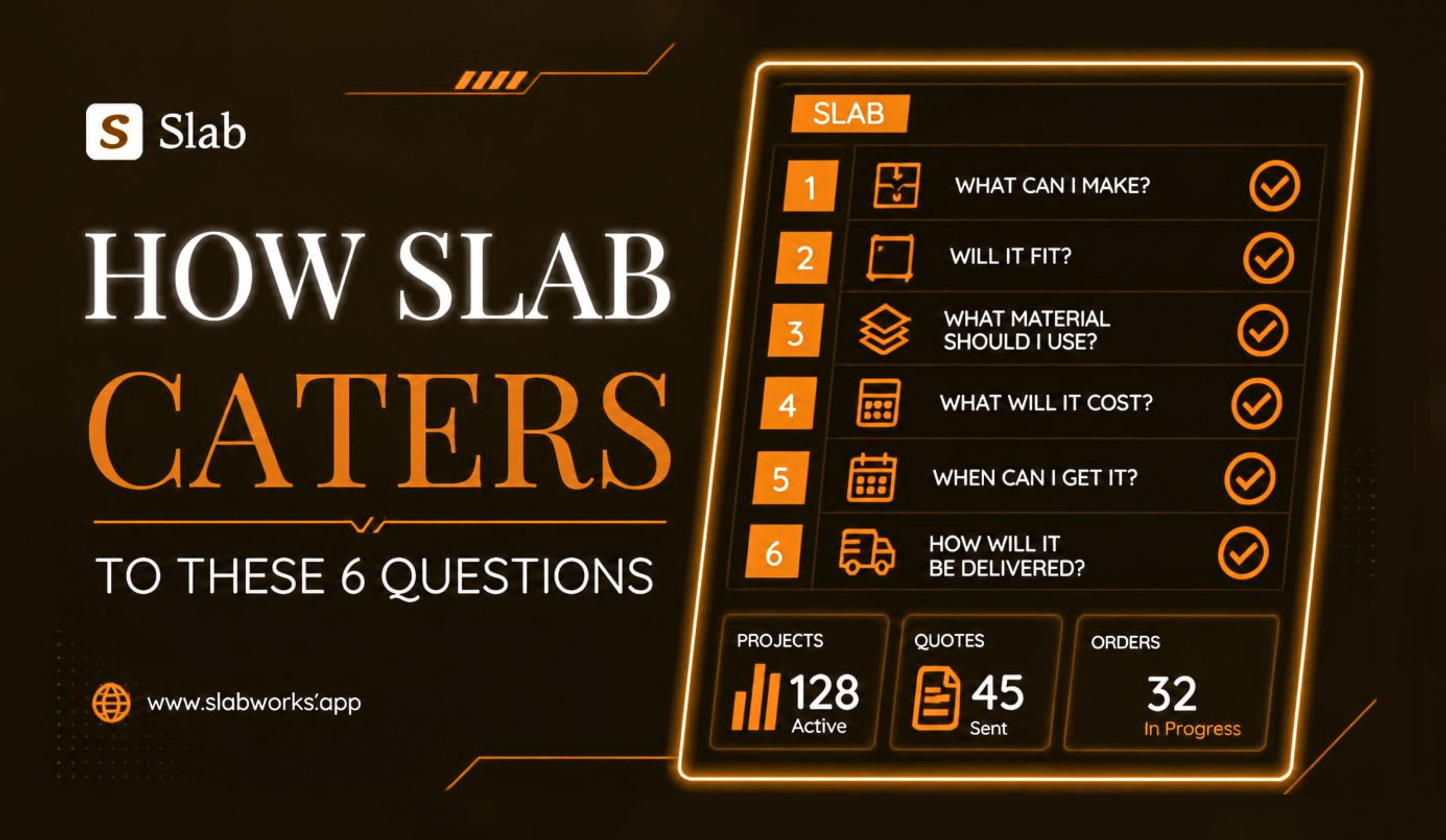
Slab also supports configurable fields, workflows, and integrations, allowing businesses to adapt the system to their processes without relying on a development backlog for every change. An interactive demo is available to explore before committing.
It won't be the right fit for every manufacturer. For instance, businesses requiring extensive code-level customization or operating at enterprise scale may need a more powerful platform. But for mid-sized custom door businesses looking to replace spreadsheets and disconnected processes, Slab is designed around the problem without the enterprise-level price tag.
The Next Step
Skip the sales call for now. Go look at the demo yourself, and hold it up against the six questions above — for Slab and for anything else you're considering. The vendor that survives that comparison without hedging is usually the one worth an actual conversation.
Before speaking to a vendor, test the software against the six questions above. Look at how it handles quoting, orders, production, inventory, and invoicing, and identify where it would actually reduce work for your team. Apply the same test to every platform you consider, be it Slab or other alternatives. The right system should make its value clear in the workflow, and not require a sales pitch to explain it.